
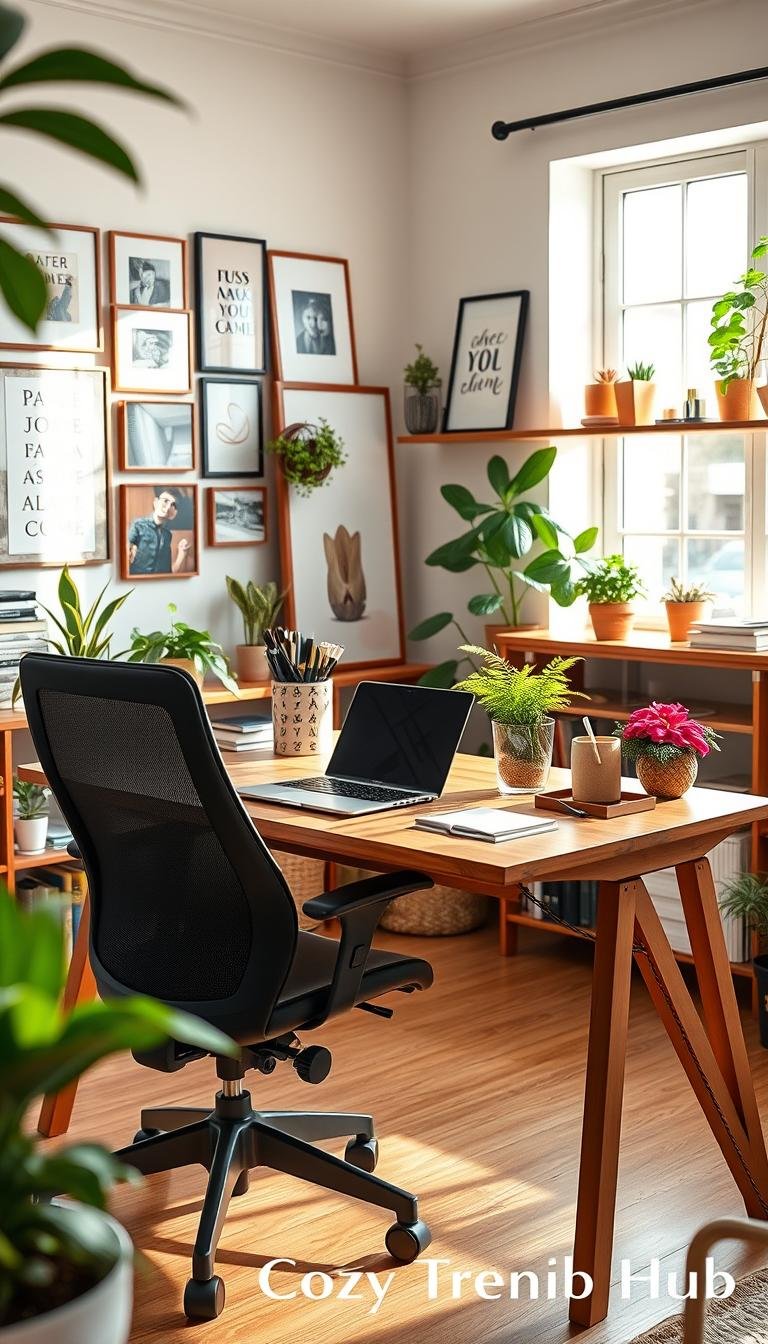
This guide frames the core problem: how to build a compact, functional corner that acts like a real office without taking over living areas.
Designers say a usable desk, hidden storage, task lighting, a comfy chair, and a Zoom-ready background matter most. Small spaces work well with multifunction furniture and smart storage.
Read on for a clear, buy-in-order plan: fix clutter and lighting first, then secure a presentable background and essential tech. Decorative items and optional style upgrades come later.
This advice targets renters and apartment dwellers in shared spaces. Recommendations favor renter-friendly wall options, cable management that won’t damage walls, and storage that keeps surfaces clear.
Practical results you’ll notice today: less glare, fewer visible cords, and a cleaner video background—small changes that improve focus and comfort.
Key Takeaways
- Prioritize a solid desk, lighting, and storage before aesthetics.
- Choose renter-safe mounts and nonpermanent cable solutions.
- Multifunction furniture makes tiny spaces feel organized.
- Set buyer intent: needs first, style items later.
- Expect immediate wins: reduced glare, fewer cords, neater video views.
What a Work-From-Home Corner Needs to Fix First
Many remote workers wake up each day to the same four problems that quietly erode focus and comfort. Below are renter-friendly purchase cues tied to each pain point, with quick pros and cons to guide buying intent.
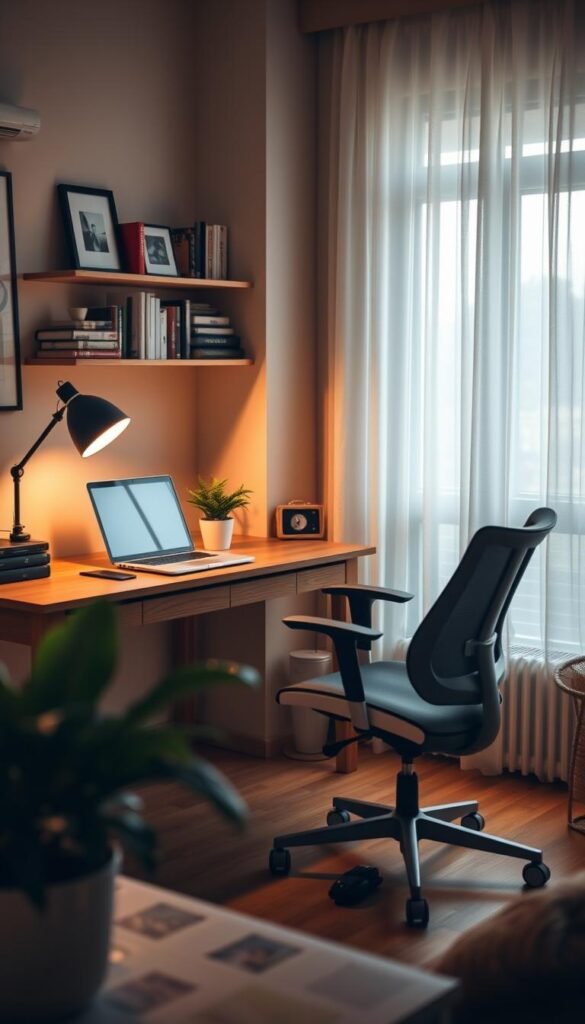
Clutter creep and paper overflow
Problem: visible clutter distracts and reduces productivity. Buy this if your desk disappears each day.
Solution: concealed filing boxes or a slim cabinet hide papers and the printer. Pros: less visual noise in shared rooms. Cons: extra footprint; choose low-profile models for tiny spaces.
Poor lighting and screen strain
Problem: glare and headaches by mid-afternoon. Buy a task lamp if headaches begin around 3pm.
Solution: a warm LED task light plus soft ambient bulb reduces eye strain. Consider bulb temperature and adjustable arms when selecting items.
Unflattering video background
Problem: busy shelves or laundry read messy on camera. Buy a simple backdrop option if video calls are frequent.
Solution: a tidy shelf or peel-and-stick panel creates a calm view. Open shelving works for active projects; concealed setups suit shared spaces.
Tech sprawl and loose cords
Problem: tangled chargers cause daily friction and hide useful outlets.
Solution: freestanding cable racks or adhesive clips solve routing needs. Pros and cons: adhesive clips are renter-friendly but may fail on rough paint; freestanding trays need surface space.
- Triage checklist: measure desk width, note outlet locations, count devices, list paper needs.
- Quick cues: if surface vanishes, prioritize storage; if headaches strike, start with lighting.
| Choice | When to pick | Trade-off |
|---|---|---|
| Concealed organizer | Shared rooms, low visual noise | Needs footprint |
| Open organizer | High-turnover projects | More visual clutter |
| Adhesive cable control | Small desks, renter walls | Less durable |
| Freestanding cable tray | Stable setup, easy swap | Uses surface or floor space |
Small-Space Layout Rules That Make Decor Actually Functional
A smart plan turns tight quarters into an efficient, camera-ready spot.
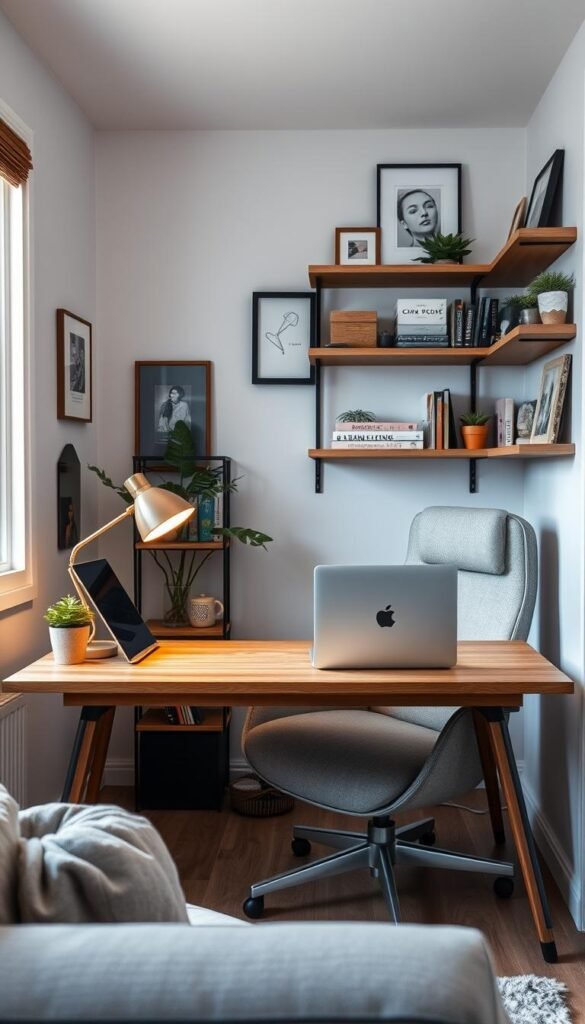
How much space you really need
Use these practical baselines to match purchases to actual space. A true corner fits a micro corner (chair + slim desk) in about 3′ x 4′.
A standard corner works well at roughly 8′ x 10′ when combined with built-in storage. A floating desk plus cabinetry needs nearer to 10′ x 13′.
Where to place a desk for light and fewer distractions
Decide with two factors: light direction and traffic flow. Place the desk to avoid direct glare on screens and to keep walkways clear.
Side-light from a window often strikes the best balance—good video illumination and less backlight than facing a bright window.
Desk facing the window vs. facing a wall
Facing a window suits creative work and people who benefit from a view. Facing a wall helps easily distracted workers maintain focus.
Before buying wall art or a larger surface, do a quick Zoom check: sit, open the camera, and adjust the background until it looks tidy and professional.
- Renter-friendly tip: choose a narrow console or vintage table if a full desk depth overwhelms the room.
- Storage note: prioritize closed cabinetry when the zone must hide a printer or shared paper supplies.
For layout inspiration and compact design ideas, see this concise guide: small-space styling options.
Best decor for work from home: Quick-Upgrade Picks You’ll Notice Today
A few targeted accents lift a desk area from utilitarian to inviting very quickly.
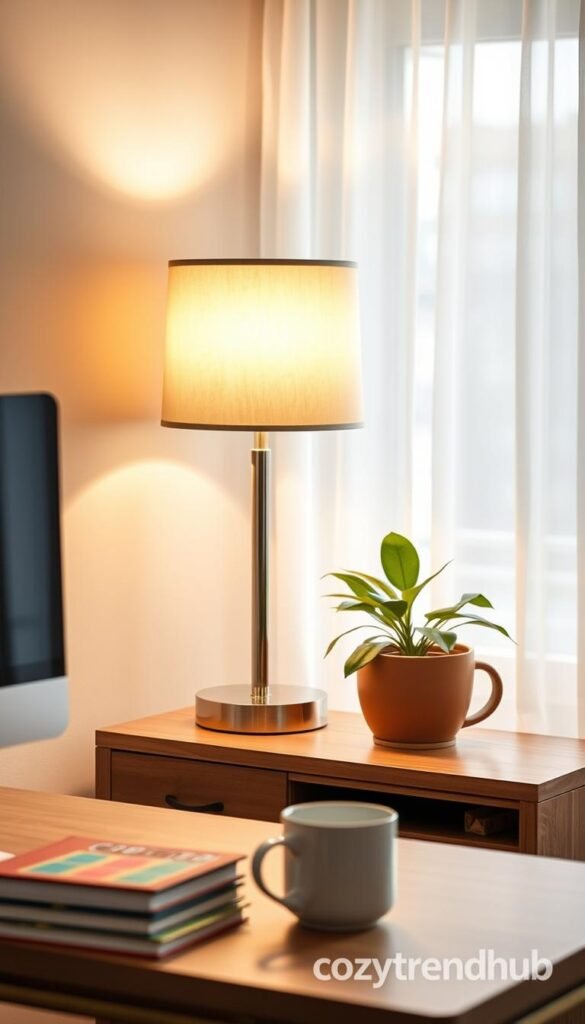
Table lamp — Replace harsh overheads with a warm table lamp. Choose a shade that softens glare, a height that clears the monitor, and a warm white bulb (2700–3000K).
Quick pro: instant cozy light.
Quick con: uses an outlet and surface space.
Peel-and-stick wallpaper — Define a background without paint. Matte finishes cut camera glare; faux grasscloth options like Scott Living or WallPops give texture.
Quick pro: high impact, renter-friendly.
Quick con: careful alignment needed on installation.
Printable art in a simple frame — Use Canva or Juniper Print Shop files and group 3 or 5 prints for scale. Frames are affordable and swap easily by season.
Quick pro: budget-friendly Zoom backgrounds.
Quick con: printing and framing take extra steps.
Trailing plant — A real or realistic faux trailing plant softens hard edges near monitors and printers. Choose faux options like Threshold at Target when light is low or moves are frequent.
Quick pro: adds life and texture.
Quick con: real plants need care.
„Start with lighting, then set the background, then add softness.“
| Item | Best-for scenario | Renter-friendly benefit |
|---|---|---|
| Table lamp | Harsh overhead light, cold corners | Plugs in; portable |
| Peel-and-stick wallpaper | Define a desk backdrop | Removable without paint damage |
| Printable art + frame | Blank walls, Zoom backgrounds | Easy to swap seasonally |
| Trailing plant (real or faux) | Soften monitor edges | Faux options work in low light |
Buy-first order: lighting → background → softness/greenery. For layout tips and neutral styling guides, see a concise resource on mixing neutrals: neutral decor mix.
Beautiful Office Supplies That Earn Their Spot on Your Desk
Thoughtful desk tools can cut daily friction and keep a small office feeling intentional.
Earned real estate rule: anything left on the desk must either reduce a step or replace several items. If it doesn’t, it should live in a slim kit.

When upgraded supplies boost motivation without adding clutter
People who plan on paper, need visual cues, or clear the area each evening benefit most from higher-quality tools.
Deskpad — Look for a weekly layout, heavy paper weight, and a size that fits keyboard and mouse. A deskpad with habit-tracker space cuts sticky-note sprawl.
Low-profile essentials for shared spaces
Upgraded scissors and a weighted stapler (think Sugar Paper at Target) matter for frequent admin tasks. Weight and finish reduce frustration and replacement cycles.
A slim „desk kit“ in a basket or tray makes packing up quick. Limit gear to one caddy to prevent supplies from multiplying.
| Setup | When to pick | Productivity gain |
|---|---|---|
| Minimalist supplies | Focus-first users | Fewer distractions; faster clean-up |
| Fully stocked desk | Paper planners or frequent tasks | Less task switching; immediate access |
| Slim desk kit | Shared rooms, daily pack-up | Quick reset; protects surfaces |
Buying note: choose finishes and colors that match the room so supplies look intentional, not temporary. For entryway-style organization and compact storage ideas that translate to desk zones, see this concise guide: entryway organization ideas.
Paper, Printer, and “Admin” Storage That Keeps the Surface Clear
A compact plan for paper and printers keeps a small office feeling orderly and calm.
Start here: visible paper and a desktop printer create constant visual clutter and distract during calls. The goal is quick access without the daily mess.
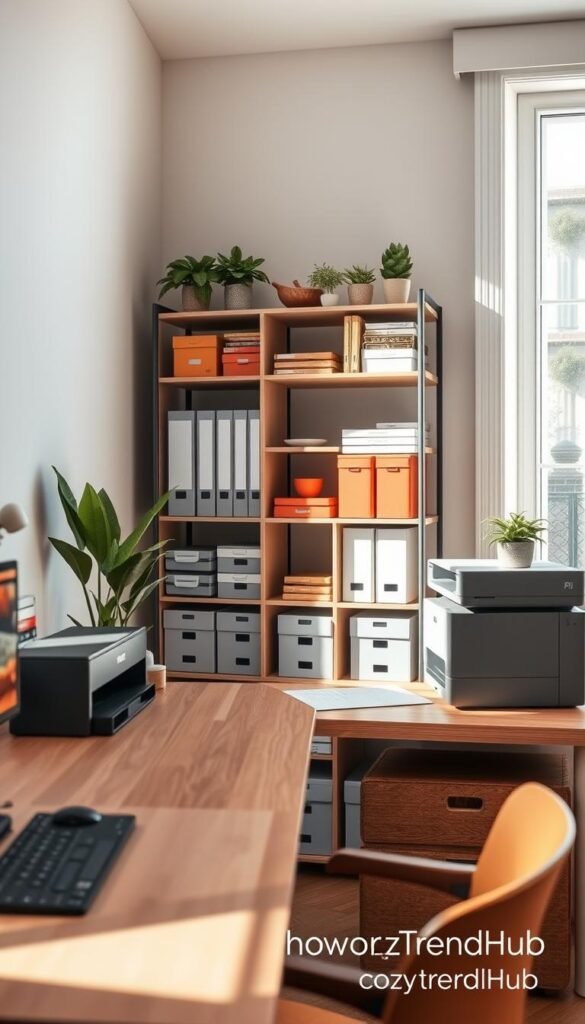
Hanging file boxes
Who they help: people who must keep receipts, forms, or client folders but hate stacks. Look for models that fit letter and legal folders and note capacity in hanging rails.
Lidded photo boxes
Use lidded boxes (Bigso Stockholm is a common pick) to corral ink, tape, and other small items. Lids keep supplies tidy in shared rooms and make seasonal swaps simple.
Magazine holders
Magazine holders work well for active projects. They hold notebooks, cables, and current files so items stay grab-and-go, not scattered across the desk.
Buying considerations
- Match color and material for a calmer look; labels are non-negotiable.
- Measure under-desk height, shelf depth, and largest paper size before buying.
- Consider a small closed cabinet when a printer needs hiding behind doors.
Pros and cons
| Type | Pros | Cons |
|---|---|---|
| Concealed storage | Cleaner look; calmer video background | Slower access; needs footprint |
| Open organizers | Faster reach; lighter visual weight | Can look messy if not maintained |
„Consistent containers and clear labels make daily admin simple and fast.“
For compact product options and a quick shopping list, see a short guide to budget organization products. Proper choices keep supplies tidy and support long-term organization.
Tech-Taming Decor That Makes Your Desk Look Intentional
Tech clutter is both a functional drag and a visual distraction that quickly ages a tidy desk. Cords, chargers, and power bricks add friction to daily routines and make a styled corner read messy on camera.
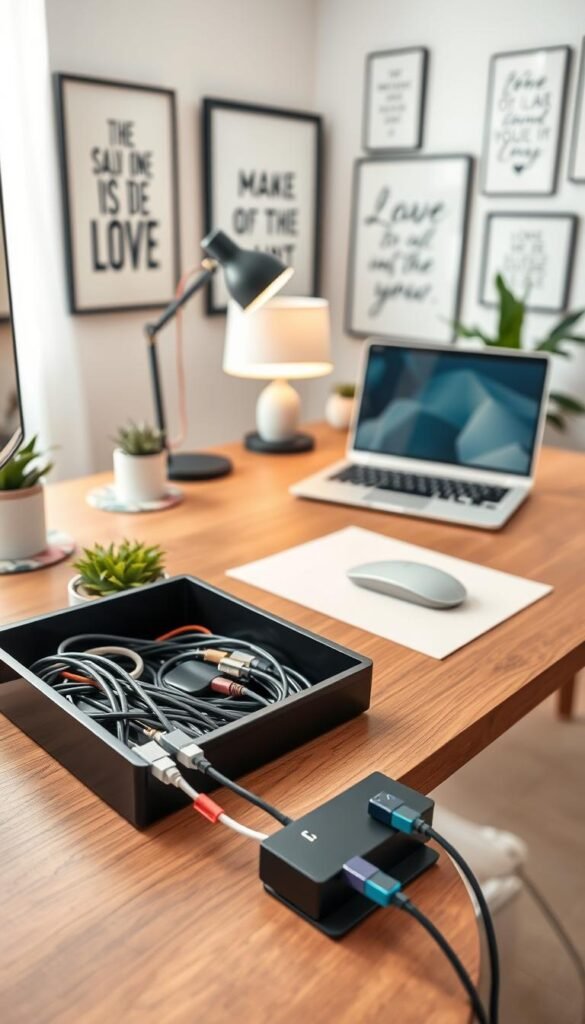
Monitor stands add storage and better posture
Monitor stands lift screens to a healthier height and create usable space beneath. Choose a model that matches aesthetic needs—black, white, or natural wood are common picks.
Buying criteria: height, shelf clearance, weight rating, and whether a drawer or open shelf fits your items. A raised platform hides a power block and a slim keyboard when not in use.
Desktop power hubs that remove outlet hunting
Look for a hub with a mix of USB‑A and USB‑C, surge protection, and a long cord. The 360 Habitat Cord with USB is an example that brings power directly to the desk.
Why it helps: fewer trips under furniture and a single power zone keeps cables compact and reachable.
Cable straps, routing, and renter-friendly options
Silicone straps and Velcro wraps keep long cords tidy while devices are in use or stored. Guide lines behind the desk and along legs to a single box or tray.
Quick win: hide the power block under the monitor stand or inside a cable box so the desktop reads calmer.
| Setup | Best for | Trade-off |
|---|---|---|
| Monitor stand + hidden hub | Laptop + external screen | Needs surface depth |
| Compact power hub (3–4 ports) | Two-device setups | Limited future expandability |
| Full power hub (6+ ports) | Four+ devices and peripherals | Larger footprint; more cable management required |
| Adhesive cable clips | Clean routed look | May fail on textured paint |
| Freestanding cable tray/box | Renters who need no-adhesive solutions | Bulkier but fully removable |
Pros and cons: adhesive clips create a neat line but can peel. Freestanding trays add bulk but are renter-safe and easy to remove. Choose based on wall texture and how often items change.
„Group power at a single zone, then hide what you can.“
These small items and a consistent routing way make tech feel intentional. The result: a calmer office space and a desk that supports focus and video-ready visuals.
Renter-Friendly Wall Decor for Work Zones in Bedrooms and Living Rooms
A renter-friendly accent wall can define a small desk zone without painting or repairs. Start with removable materials and a clear plan for scale before buying.
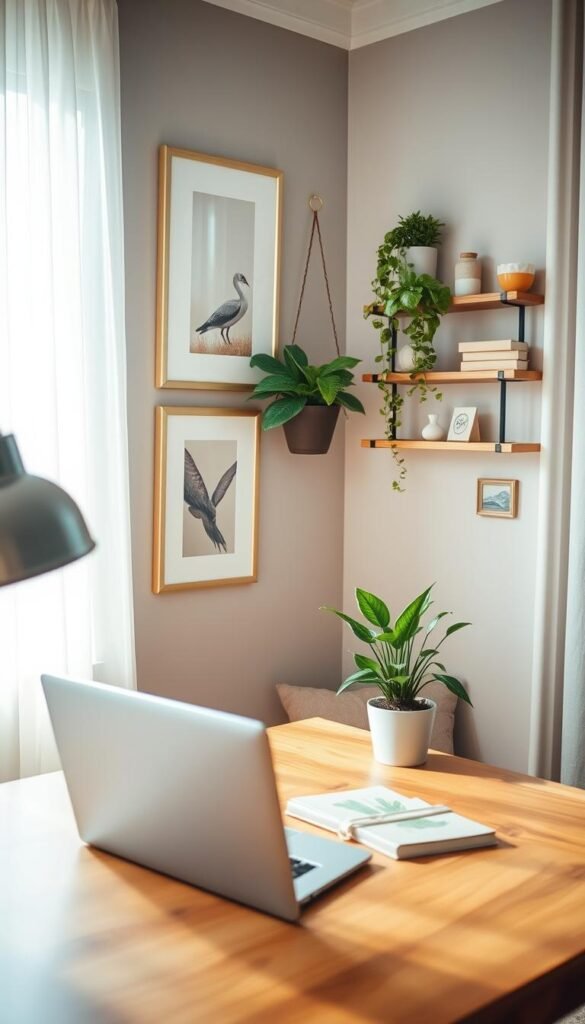
Peel-and-stick wallpaper as an accent behind the desk
When to pick a single panel: use one vertical strip or a 3′ x 4′ panel behind the monitor to frame the desk. Scott Living faux grasscloth and WallPops patterns work well when the aim is a subtle texture without commitment.
Ways to use removable wallpaper beyond the wall
Line drawer bottoms, cover file cabinet fronts, recover binder spines, or back a shelf to tie the corner together. These small moves add cohesion without a full install.
Printable art sets and gallery-style groupings
Group sets of 3 or 5 prints in matching frames or poster hangers. A tight arrangement reads intentional on camera and keeps the interior look polished.
Buying considerations and hanging methods
- Test removable adhesive on an inconspicuous spot before applying.
- Choose a matte finish to reduce glare during video calls.
- Compare damage-free strips and lightweight hooks; lean frames on a shelf if moving often.
Zoom-proof tip: avoid high-contrast patterns directly behind the head to prevent camera distortion.
| Product | Use | Renter-friendly benefit |
|---|---|---|
| Peel-and-stick wallpaper | Accent panel or shelf back | Removable; no paint |
| Printable art set | Gallery grouping | Affordable swap options |
| Damage-free strips | Hanging frames | Leaves no marks |
Mini checklist: measure the wall area, note outlet and shelf positions, plan spacing for frames, and pick materials based on wall texture and commitment level.
Lighting That Supports Productivity Without Making the Corner Feel Harsh
Lighting sets the mood and the clarity of a workspace—both matter for sustained productivity and pleasant video calls.
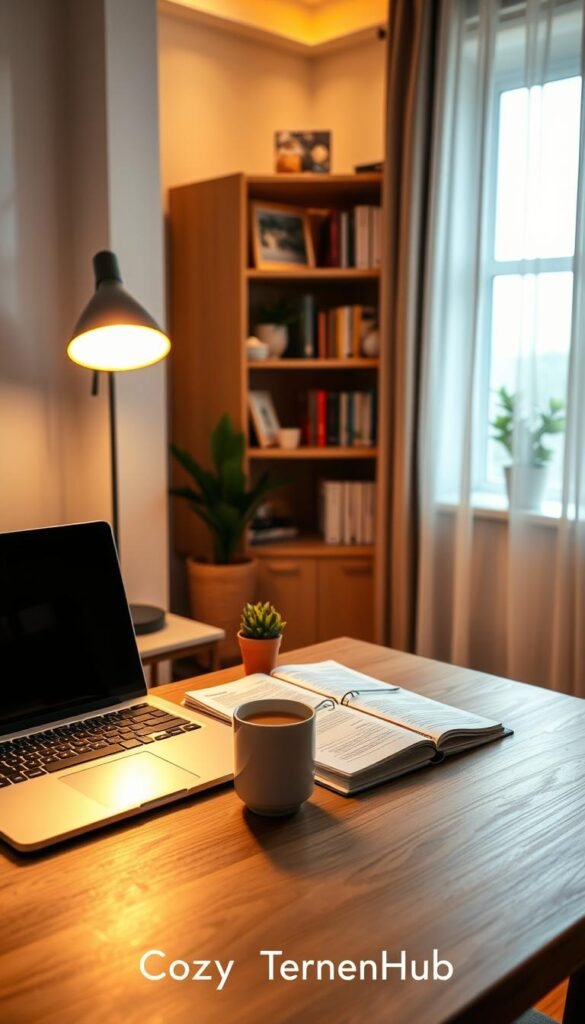
Task lighting and why it’s a must-have
Task lighting prevents eye strain when reading, typing, or sorting paper. Look for adjustable arms, a directional shade, and a small footprint so the lamp fits a narrow desk.
Table lamps vs. desk lamps
Table lamps add warmth in shared rooms and create ambient glow. Desk lamps deliver a narrow beam for detail work in tight corners.
Buyer criteria: adjustability, switch type, and base size. Choose the style that matches how much surface space is available.
Bulb temperature and natural light
Choose warm white (2700–3000K) to keep the corner cozy. Cooler bulbs can feel clinical in a bedroom or living area.
Manage natural light by using side lighting, angling screens, or adding a thin shade to reduce glare and avoid backlit video calls.
„Two simple layers—one task light plus one ambient source—cover most needs.“
| Choice | When to pick | Pros |
|---|---|---|
| Adjustable desk lamp | Detail work, tight desks | Focused beam; small footprint |
| Warm table lamp | Multipurpose rooms, ambiance | Comforting glow; camera-friendly |
| Two-layer setup | All-day use | Balanced light; reduces eye strain |
Pair good lighting with a supportive chair to lower fatigue over time. For practical product guidance, see these lighting tips to boost focus.
Zoom-Ready Background Decor That Still Feels Like Your Home
Create a calm, intentional backdrop that reads as part of the living area while keeping camera focus on the person. The goal is a tidy scene that won’t distract colleagues and that supports buyer intent: easy upgrades first, bigger commitments later.
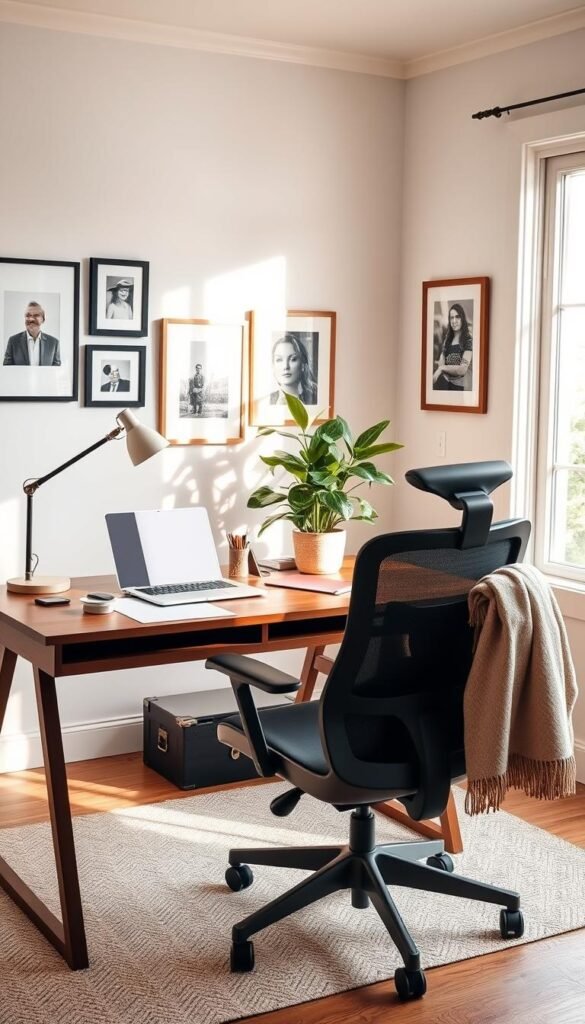
Gallery walls and simple architectural moments
Gallery wall: use a matched frame set and keep even gaps (2–3 inches) for a clean camera read. Lean frames on a shelf if you rent or want easy swaps.
Architectural touch: a narrow peel-and-stick panel or a floating shelf creates depth without painting. Keep items sparse: one sculptural object and two framed prints work well.
Wallpaper moments and pattern scale
Removable wallpaper creates a “set” behind the desk. Choose medium-scale patterns so details don’t shimmer on laptop cameras. Matte finishes reduce glare.
Monochrome vs. bold color accents
Monochrome schemes cut visual noise. They suit quiet interiors and frequent video use. Bold accents suit people who gain energy from color and can commit to a longer-term look.
Quiet luxury textures for a 2025-inspired style
Designer-led textures: introduce limewash plaster tones, burl wood, linen pinboards, or leather accents. These add tactility without adding clutter.
- Quick camera test: record a short clip on your laptop to check pattern scale and contrast before finalizing.
- Product targets: removable wallpaper, matching frame sets, linen pinboard, and a small wood shelf.
„A calm, textured backdrop reads human and polished on camera.“
| Option | Commitment | Pros / Cons |
|---|---|---|
| Frame set | Low | Swapable; low risk |
| Removable wallpaper panel | Medium | High impact; careful install |
| Textured accents (linen, wood) | Low–Medium | Flexible; needs good light |
For practical how-to tips on assembling a camera-friendly backdrop, see a short guide on designing a pretty Zoom background at how to design a pretty Zoom.
Calming Color and Texture Choices for Long Workdays
Small corners pile up visual noise fast, which makes long days feel tiring and unfocused. Choosing a simple palette and a couple of tactile materials keeps the area soothing and practical.
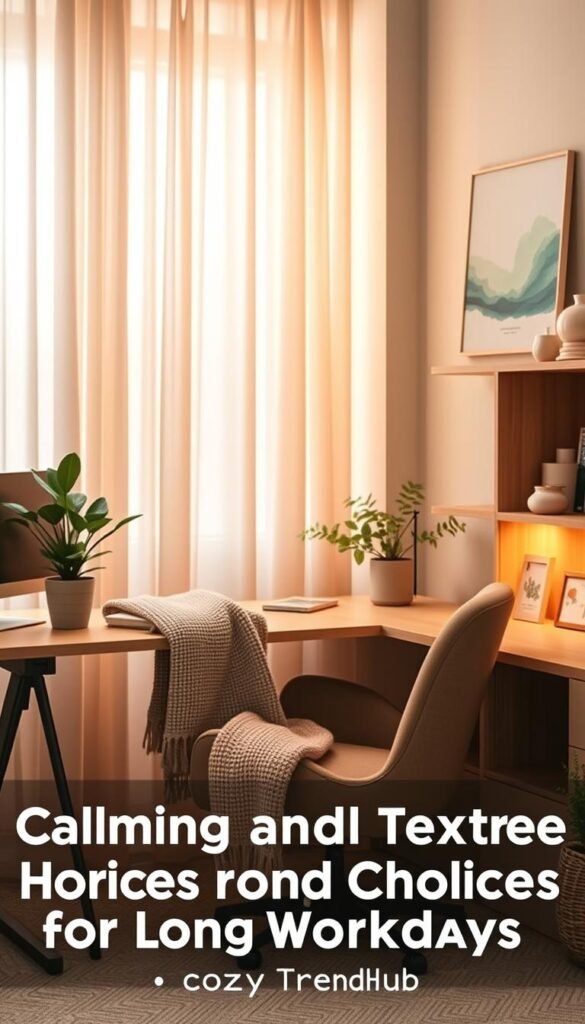
Blues and soft neutrals that reduce visual clutter
Blues and muted neutrals are a safe starting point for sustained focus. Low-contrast hues reduce glare and stop bright objects from pulling attention during long calls or deep tasks.
Use a pale blue or warm beige as a main wall or panel color. Save small accents—like a cushion or printable art—in a slightly deeper shade to add depth without noise.
Natural materials to lessen the “office” feel
Pair one clean wood finish with a textile like linen or a single leather accent. This keeps the corner tactile and calm without many small pieces competing for attention.
Examples that add function and texture: a linen-look pinboard, a wood monitor stand, and a leather desk mat. Each item also serves a daily purpose.
| Choice | Why it helps | Trade-off |
|---|---|---|
| Pale blue paint or panel | Calms the eye; clean camera look | Needs balanced lighting |
| Warm wood tone (oak, walnut) | Adds warmth; ties to living furniture | Choose cool vs. warm based on existing pieces |
| Linen pinboard or textiles | Soft texture without clutter | Can show wear; choose washable options |
Practical tips: test one change at a time. Try a monitor stand or a linen board before repainting. Calmer palettes also read cleaner on camera and cut color cast during video calls.
Office styling inspiration and compact color pairings can help finalize choices without overspending.
Plants and Greenery That Improve the Feel of a Work-From-Home Corner
A modest plant can turn a sterile desk zone into a welcoming place without stealing space. Plants add a soft edge to techy setups and make a small room feel calmer. Choose options that match light level, maintenance, and moving plans.
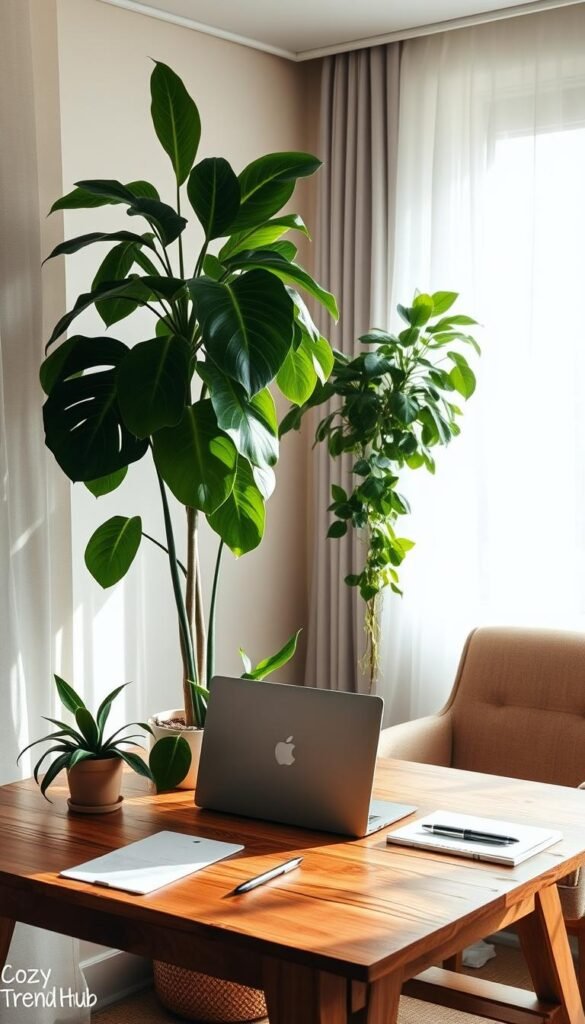
Low light: realistic faux options that still look elevated
In bedrooms or shaded living rooms, realistic faux trailing plants offer a low-maintenance solution. Brands like Threshold at Target make lifelike stems and trailing forms that drape well on shelves.
Why pick faux: no watering, easy to pack when moving, consistent look under warm lighting. Keep leaves dust-free with a weekly wipe so they read real on camera.
Natural light: easy real plants that reward consistency
When daylight is available, choose forgiving houseplants that handle indirect sun. Pothos, snake plant, and ZZ plant tolerate varied light and brief lapses in care.
Place them near the desk or window where they get indirect natural light. A small pot on a monitor stand softens edges without using desk area.
Pros and cons: real vs. faux for renters and frequent movers
| Type | Pros | Cons |
|---|---|---|
| Real | Improves air feel; seasonal growth; tactile satisfaction | Needs watering, drainage, and routine; risk when left alone |
| Faux | Low upkeep; travel-friendly; stable look | Can collect dust; lacks live benefits |
Placement tips: a trailing plant on a shelf adds movement; a small pot beside a monitor softens lines. Match pot diameter to shelf depth and allow for drainage if the plant is real.
„Greenery works as a year-round base layer — swap planters or add a seasonal stem without changing the whole setup.“
For quick guidance on plants that boost focus and fit small spaces, see a concise guide to office plants that boost productivity.
Maintenance plan: faux — weekly dust wipe. Real — weekly water check and monthly pot inspection. A little time keeps greenery working for the space and style.
Scent and Atmosphere Decor for Focus During Work Hours
A subtle scent can mark the start of a focused session without crowding a shared room.
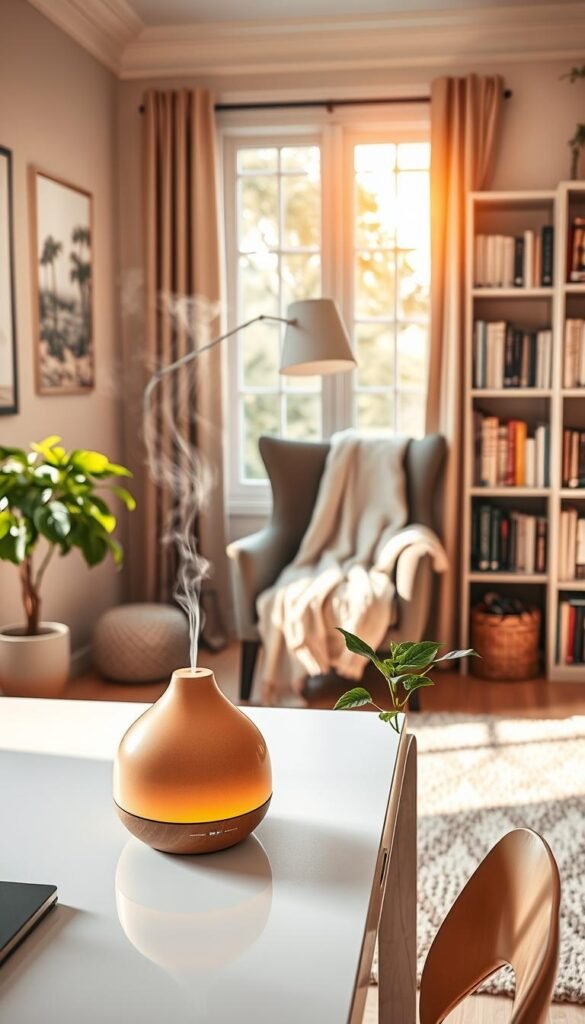
Programmed diffusers offer flame-free scheduling and stable coverage. The Aera-style units use cartridges and an app so scent runs only during set hours. Choose one that lists room coverage, cartridge options, and easy controls.
Reed diffusers and rollerballs
Reed diffusers give a steady, low-volume scent that suits shared spaces. Place them away from papers, tech, and drafts on a stable surface.
Rollerballs (brands like Nest or doTERRA) are personal. They let a user apply scent without filling the room. That makes them ideal in sensitive households.
Buying considerations and placement
- Strength: pick mild concentrations to avoid overwhelming calls.
- Safety: check pet and child warnings and ventilation needs.
- Work-only scent: reserve one aroma for the desk area to create a mental cue for focus.
| Option | Best-for scenario | Trade-off |
|---|---|---|
| Programmable diffuser (Aera) | Consistent schedule; forgetful users | Refill cost; needs outlet |
| Reed diffuser | Shared rooms; subtle scent | Less control over intensity |
| Rollerball | Scent-sensitive households | Personal use only; no room coverage |
„A single, work-only scent can create a reliable cue that helps shift focus.“
For a simple routine and cartridge ideas, see a practical guide to a fragrance routine for small offices: fragrance routine for small offices.
Final note: these scent items act as low-effort solutions to support focus and gentle routines. Place them mindfully so scent aids productivity without distracting others.
Multiuse Furniture and Vertical Storage for Tiny Work-From-Home Corners
Small corners must pull double duty: a usable surface and meaningful storage in a tiny footprint. Choose pieces that hide what looks messy and keep daily items within reach.
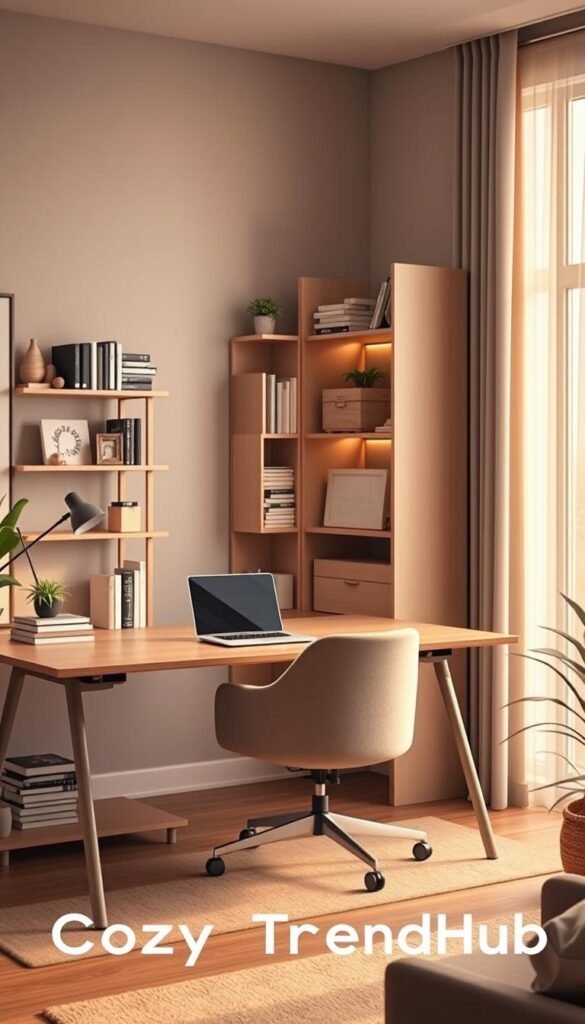
Shelving that fits under a desk or beside a chair
Under-desk or slim side shelves are renter-friendly and tuck into unused gaps. Measure knee clearance and choose depths under 12″ so the unit won’t block walkways or chair movement.
Look for rolling shelves or the Open Spaces Entry Rack-style units that slide under a desk when needed and pull out for access.
Cabinet-style storage to hide printers and paper
Closed cabinets conceal printers, paper stacks, and power bricks. Sliding or perforated doors help vent heat and hide cords while keeping a calm camera background.
Designers recommend cabinet doors when paper or large tech is part of daily use; the visual calm is immediate and helps during video calls.
When a vintage table or console is a smarter desk choice
A vintage table or narrow console blends into a living room or bedroom better than a typical desk. Choose a stable piece with a depth of at least 18″ so a laptop and small lamp sit comfortably.
If storage is needed, pair the console with a low cabinet or an under-table shelf to keep supplies out of sight.
Open shelving vs. closed cabinetry — quick comparison
| Option | Pros | Cons |
|---|---|---|
| Open shelves | Easy access; lighter visual weight; can display matching boxes | Shows clutter if not maintained; needs styled bins |
| Closed cabinet | Hides printers, paper, and cords; cleaner Zoom background | Takes footprint; higher cost; needs door clearance |
| Console / vintage table | Blends with living furniture; compact depth | May need added storage; check stability |
What to measure before buying
- Available width and under-desk height (knee clearance).
- Outlet and router locations for cord routing.
- Chair push-back space and walkway clearance.
- Printer dimensions and ventilation needs if it will live inside a cabinet.
Simple zoning rule: keep daily items within arm’s reach and store weekly or infrequent supplies in closed bins. Match finishes—same boxes or baskets—so open shelves still read intentional.
For more compact layout ideas and flexible shelving that tucks neatly under a desk, see this short guide: 12 small home office ideas.
Conclusion
Finish by naming the small steps that produce the biggest gains in a compact office. Start with clutter and a single storage solution, add lighting, then tidy tech and cords. Next set a calm Zoom background and add one soft finishing piece.
Quick checklist: measure the corner, pick one storage option, choose one lamp, and route cables into a single hub. Do a short weekly reset and a quarterly declutter to stop clutter creep.
Choose products that match your daily style—paper-heavy or mostly digital—and use the article’s comparison tables (storage, wallpaper, lighting, cable solutions) to compare options. For extra inspiration and practical tips on staging and storage, see this office decor ideas guide and about CozyTrendHub.
Time and small changes pay off: a few targeted upgrades make a tiny workspace feel reliable, calm, and more productive without a full renovation.