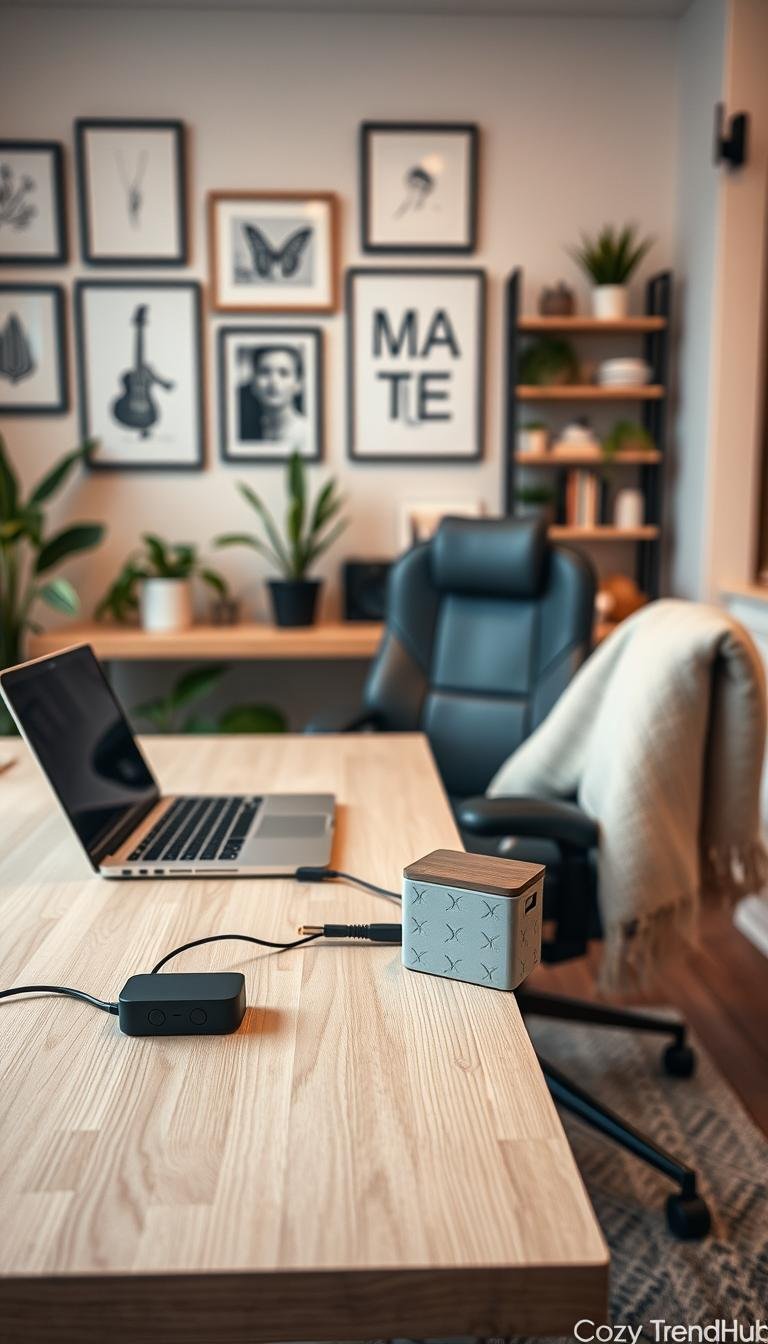
Visible cords can make a living space feel unfinished. In many U.S. homes and apartments, outlets do not sit where devices need them. That mismatch creates visual clutter around TVs, desks, and charging zones.
This guide defines „best decor to hide cables“ as solutions that read as intentional design. Expect real-world options that blend in, not quick fixes that look temporary.
Design pros call the approach „hide-and-seek“: reduce sightlines while keeping devices usable. Practical categories include cord covers, baseboard routing, furniture-backed hiding, rugs, and decorative boxes for power strips and routers.
Readers will get renter-safe and permanent choices, plus clear tradeoffs: paint match, capacity, heat and venting, and safety around kids and pets. Each section will note who a solution suits and what to buy.
Use this guide fast: find the room hotspot, choose a non-damaging or permanent path, then pick the right size and finish. For related storage ideas, see closet baskets and organizers.
Key Takeaways
- Visible cords create a sense of unfinished design; this guide solves that with practical options.
- Solutions range from surface cord covers to furniture-based and under-rug routes.
- Decision factors: renter safety, paint match, capacity, heat management, and child/pet safety.
- Each section will say who the solution fits and what to look for when buying.
- Quick use: identify hotspot, choose method, then match size and finish.
Why visible cords ruin a room and what “clean” cable hiding actually means
When cords spill across a wall or floor, they break the clean lines that make a room feel calm. That visual interruption pulls attention away from furniture and art. It also makes surfaces harder to dust and creates trip points in walkways.
Common hotspots: wall-mounted TVs, desk and monitor areas, outlet clusters behind consoles, and piles around a power strip. These zones show up most often in U.S. living spaces and demand simple fixes.
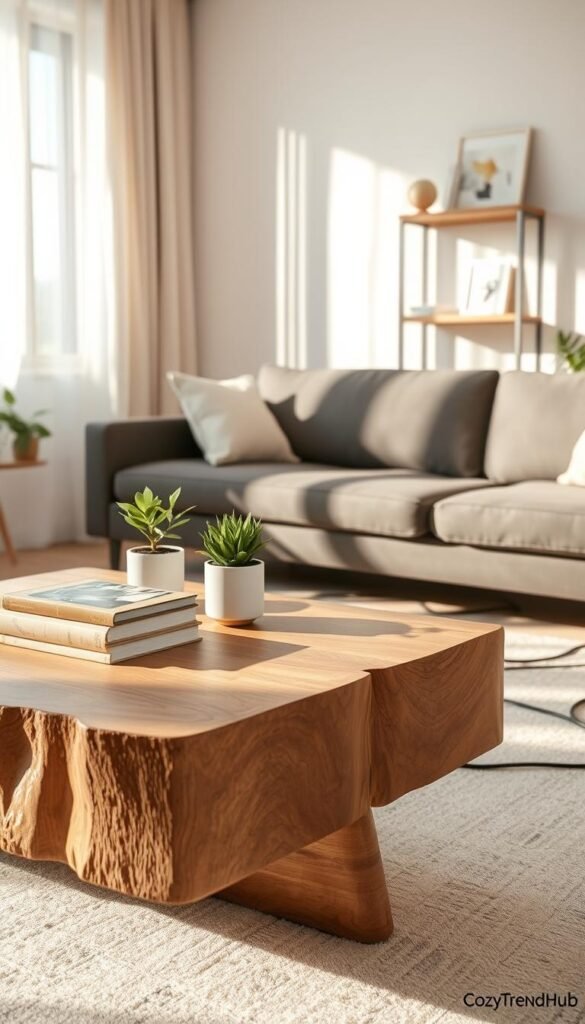
Clean cable hiding means routes are deliberate, cables don’t sag, and access remains for maintenance. Securing wires reduces snagging by pets or kids and lowers risk during cleaning. Products with safety marks (for example, UL-rated raceways) are recommended for TV and high-load setups.
- Reduce visible cords in sight.
- Simplify dusting and vacuuming.
- Remove trip hazards from common paths.
| Hotspot | Quick-win | Preferred approach (risk level) |
|---|---|---|
| TV wall | Paintable trunking | Wall solutions (visibility) |
| Desk/monitor | Under-desk clips | Floor + clips (safety) |
| Outlet clusters | Decorative box for outlets | Boxes (outlet clutter) |
| Charging piles | Labelled power strip tray | Enclosed trays with ventilation |
Choosing the right solution depends on visibility and risk. Wall routes improve looks; floor routes improve safety. Prioritize quality and safety markings over cheaper adhesives for a lasting result.
Plan your cord-hiding setup before you buy anything
Good results start with a map of devices and routes, not a shopping cart. Spend a little time measuring and listing gear before choosing a product. That approach prevents wrong-size purchases and saves time.
Map devices, outlets, and cord paths
- List every device: TV, streaming box, soundbar, router, lamp, speakers.
- Sketch each path from device to outlet and note lengths — vertical TV drops and baseboard runs matter.
- Group leads by purpose: power, HDMI, and Ethernet for easier troubleshooting later.
- For in-wall plans, use a stud finder to mark studs and run paths before cutting drywall.
Choose the right approach for renters vs. homeowners
Renters should favor no-drill raceways, adhesive clips, sleeves, and furniture routing that protect paint and lease terms.
Homeowners can evaluate in-wall kits for a more permanent, invisible finish if cutting drywall is acceptable.
| Approach | Suites | Quick note |
|---|---|---|
| Hide on the wall | Media walls | Paintable raceways match design |
| Along baseboard | High-traffic space | Low-profile clips keep cords flat |
| Behind furniture | Renters, entry tables | Fast, no-damage solution |
| Wireless reduction | Offices, living rooms | Fewer cords, more flexibility |
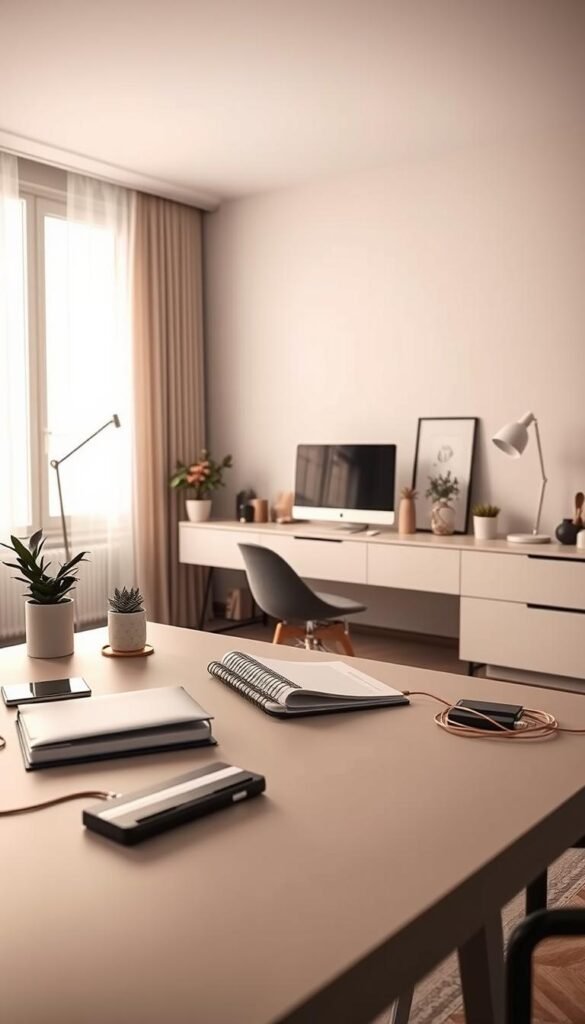
Best decor to hide cables for wall-mounted TVs and media walls
A wall-mounted TV often becomes the room’s focal point — and the single visible drop of wiring can undermine that focus.
Why a single clean drop works: one straight line looks intentional, directs the eye down, and keeps the wall from feeling cluttered. This approach suits both living rooms and compact media walls.
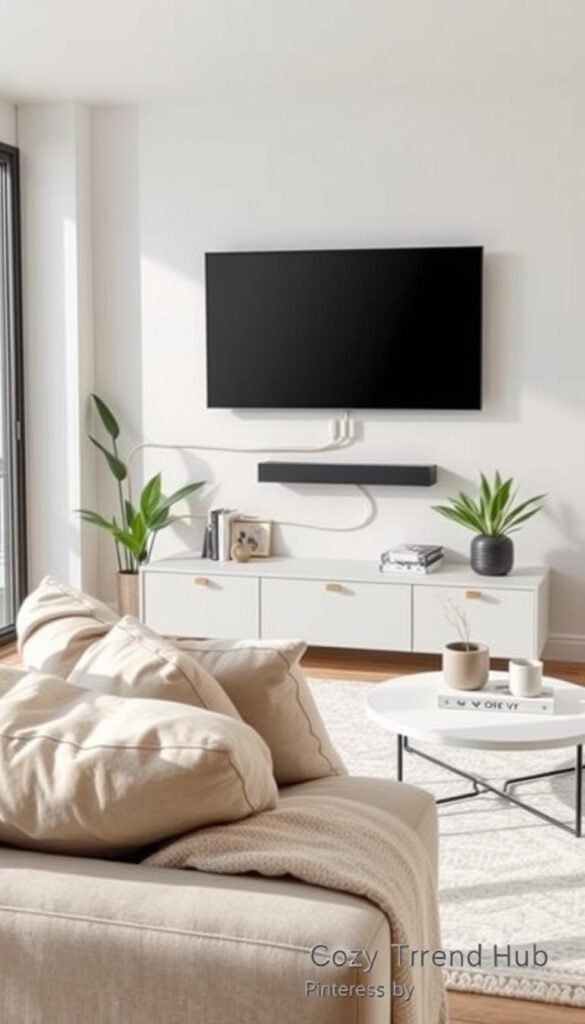
Paintable raceways and cord covers
Paintable cable raceways offer a renter-friendly, fast solution. They snap closed over cords and can be painted to match the wall for a near-invisible finish.
Pros: no drywall, easy install, paintable. Cons: choose the right width for thicker wires and power plugs.
Molding-style covers that mimic trim
Decorative covers that look like molding or baseboards create a built-in look. They fit traditional rooms and hide several cables at once.
Measure thickness: some covers need extra depth for HDMI, power bricks, and bundled cable runs.
Device shelf and concealed routing
A slim shelf under the TV keeps streaming boxes and consoles off the floor. Route all cords behind the TV and down a single cord cover for a tidy back-of-TV line.
In-wall wire kits (permanent finish)
Homeowners who accept cutting drywall can use an in-wall TV kit for a true no-cords-on-the-wall result. Essential tools: stud finder, drywall saw, fish tape, and a drill.
„Mark studs, cut aligned holes, install kit plates, fish wires, and secure plates.“
When not to go in-wall: renters, homes with plaster or brick, or anyone uncomfortable with drywall work. In those cases, use surface raceways instead.
Wireless swaps and final safety checks
Streaming sticks and Bluetooth speakers reduce HDMI and speaker wires, but they still need power. Use UL-rated power components and keep bends gentle to avoid pinching.
- Match raceway width to cable bundles.
- Prefer rated covers for power runs behind TVs.
- Keep access for devices and ventilation in enclosed shelves.
Hide cords along baseboards and walls without making it look DIY
A tidy line at the floor makes cords feel like part of the room rather than an afterthought.
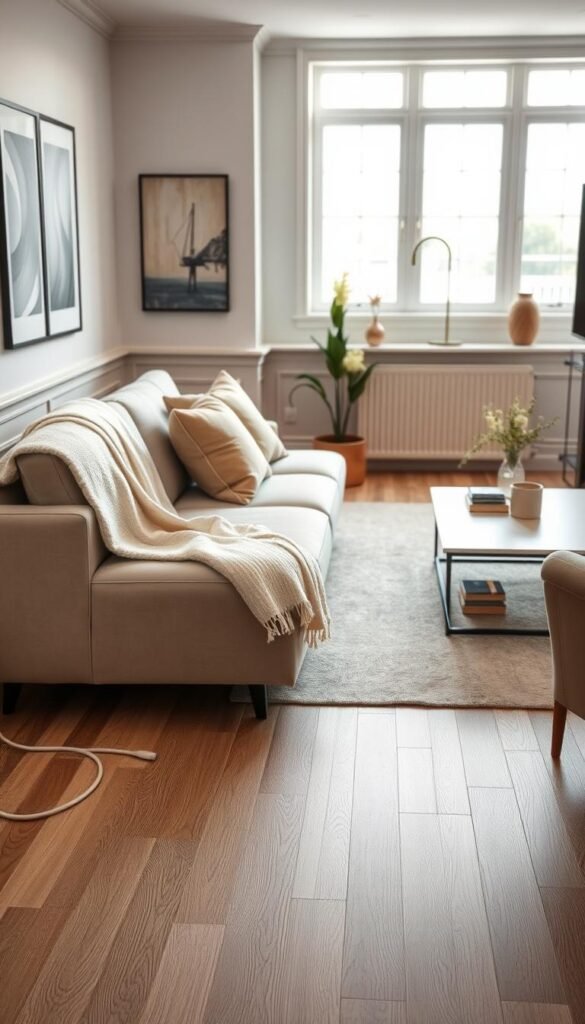
Running cords along baseboards with low-profile clips for a flat, tidy line
Designers often run cords along baseboards because a straight line reads intentional. Low-profile clips hold a cord tight to the trim and cut visual noise.
Clip spacing prevents sagging. For renters, choose removable clips that peel off cleanly. Avoid staples that pierce the cord jacket; they can harm insulation and violate leases.
Color-matching trick: paint cord covers to match walls and trim
Paintable channels and covers blend into trim. A common choice is Benjamin Moore Simply White for white baseboards.
Tip: Paint the cover, not the cord itself. Matching finish and color keeps the run subtle and cohesive.
When to use cable channels vs. adhesive clips vs. staples (and what to avoid in rentals)
Channels hide multiple cable lines and look cleaner for thicker bundles. Clips offer a flatter line for single cords. Staples are a last resort and not renter-friendly.
| Method | Good for | Renters? |
|---|---|---|
| Low-profile clips | Single lamp cord, flat runs | Yes — removable |
| Adhesive channel | Multiple cords, neat finish | Usually yes — peelable |
| Behind baseboard | Permanent, invisible | No — advanced, may remove baseboard |
- Choose channel size with spare room for future cable additions.
- Avoid overstuffed channels that bulge or mismatched white plastic against cream trim.
- For renter safety, prefer adhesive-backed channels and removable clips when running cords along living edges.
Renter-friendly cord hiding behind furniture (no drills, no damage)
A no-drill plan uses the back of furniture as a tidy corridor for power and data lines. This method suits apartments, dorms, and anyone who rearranges often. It requires only clips, removable hooks, and ties.
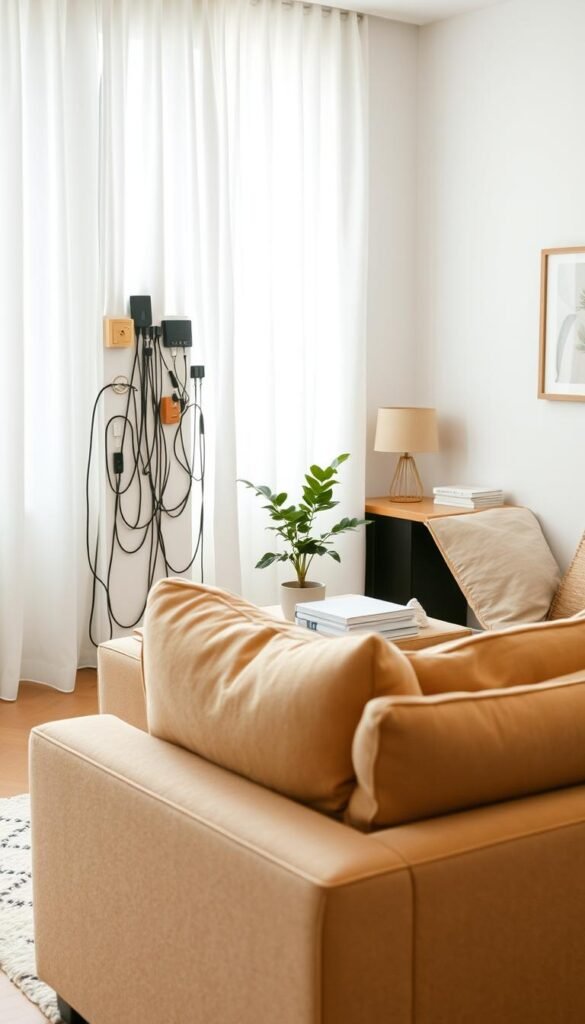
Hooking cords to legs and the furniture back
Route each cord down the rear leg or frame using adhesive clips or Command hooks. Clip spacing every 12–18 inches keeps lines straight and prevents sagging.
Service loop: leave a small slack loop at each device so plugs can be removed without yanking clips off the furniture.
Creating a consistent „cord lane“
Bundle cords with reusable straps and anchor the bundle along the back edge of a nightstand or console. Push the unit against the wall so the lane stays hidden and tidy.
- Quick, renter-safe solution: no holes, installs in minutes.
- Best for bedside lamps, phone chargers, media consoles, and small apartments.
- Pros: low cost, reversible, easy to expand. Cons: needs a little back space and won’t fully conceal cords on floating pieces.
- Buyer tip: choose removable adhesive hooks, clips sized for your cord thickness, and reopenable ties.
Hide cords under rugs and across open floor space safely
For seasonal lighting and temporary furniture shifts, hiding a cord under a rug is a practical, low-effort solution. It clears visual clutter and gives a quick refresh to a living room layout without drilling or major work.
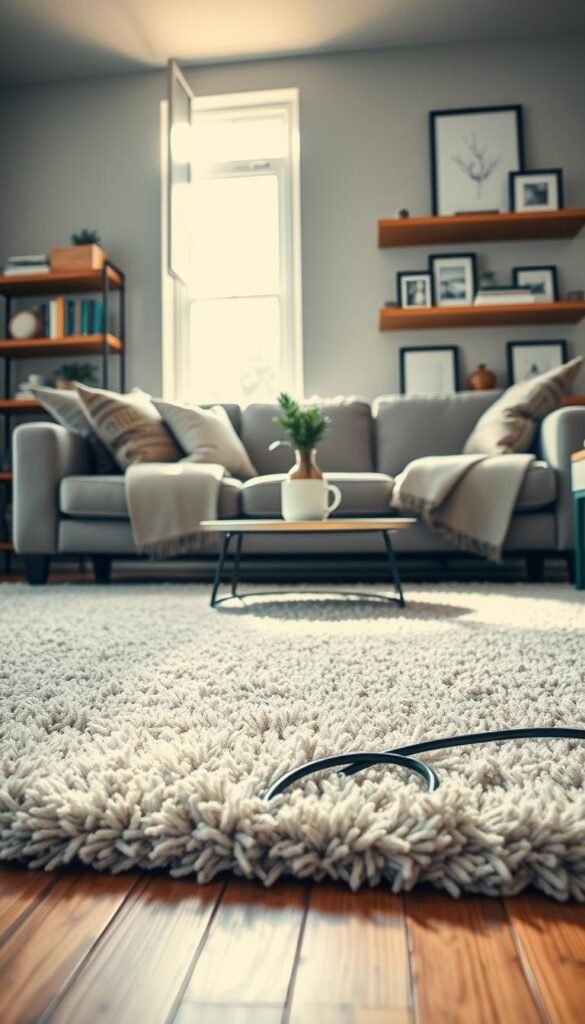
Best use cases
Under-rug routing works well for a floor lamp far from an outlet, holiday lights, or a short-term furniture change. It is a good way hide wires for a limited time and when the path avoids heavy foot traffic.
Safety-first method
Keep cords flat and avoid bunching. Run the cord along the rug perimeter rather than across the center. Use electrical tape or flat cloth tape to snug the cord to the floor so it won’t shift.
Rug grips and double-sided tape at edges prevent lifting. For rugs that can handle a tiny pass-through, a small measured hole can route a cord discreetly; measure twice and cut once.
- Pros: fast, low-cost, clears cords sight quickly.
- Cons: not for thick or high-traffic runs; can hinder vacuuming.
- Buyer tip: choose a flat extension cord and avoid paths used by rolling chairs.
Rule of thumb: if the route crosses a main walkway, use a floor-rated cord protector rather than relying on tape alone.
Desk and home office solutions to hide cords behind monitors and under desktops
A crowded desk becomes chaotic fast when multiple power and data lines meet behind a monitor. A short plan — bundle, route, and secure — clears the view and frees legroom.

Cable sleeves for a single clean drop
Cable sleeves wrap several wires into one neat line. They work well for monitor, laptop, dock, and speaker runs that share a path down the rear of the stand.
Pros: quick visual tidy, easier dusting, simpler swaps. Cons: tight sleeves can trap dust and may struggle with bulky power bricks.
Under-desk routing with clips and straps
Guide lines along the underside of the desktop using adhesive clips and Velcro straps. Keep the power strip mounted off the floor to cut dust build-up and accidental kicks.
- Space clips every 12–18 inches for a flat run.
- Use reusable Velcro for frequent device changes.
- Mount the strip under the desk with brackets or strong adhesive.
For a practical how-to on tidy desk runs, see this short guide on managing cords behind a workstation: organizing desk cord runs.
Drawer charging: a minimalist station with a pass-through
Convert a shallow drawer into a charging hub by drilling a small pass-through hole for the strip plug and one vent hole for airflow. Tuck devices inside while they charge.
Pros: low visual clutter, secure for small spaces. Cons: needs slack and ventilation; avoid oversized adapters that block the drawer.
| Method | Good for | Quick note |
|---|---|---|
| Sleeve | Multi-wire monitor setups | Measure bundle diameter before buying |
| Clips & straps | Under-desk neatness | Mount power strip off floor |
| Drawer hub | Minimalist desks, nightstands | Drill pass-through; allow airflow |
„Label each plug and keep a short service loop behind the monitor for easy swaps.“
Hide power strips, outlets, and router clutter with decorative boxes and “book” covers
A simple box can turn a chaotic charging corner into a calm, contained station. Decorative boxes conceal a power strip and multiple plugs while keeping the surface tidy. They suit families and any home with active devices and frequent charging.

Power strip box for busy charging zones
Why it works: a closed box reduces visual clutter and stops curious hands or paws from snagging plugs. Choose a box sized for the strip and adapter bricks, with slots for cords and ventilation holes.
Faux books and decor covers for routers and modems
Faux book boxes conceal routers on open shelves. Ensure the cover has a clean cord exit and vents so airflow isn’t blocked. Keep the device accessible for resets and firmware updates.
- Ideal spots: living room consoles, entry tables, and open shelving.
- Buying notes: internal dimensions, number and placement of cord slots, non-slip base, and heat-friendly design.
- Setup tip: coil excess length neatly but avoid sharp bends that stress wires or block vents.
„Pick a box with breathing space — a few inches around adapters keeps heat moving.“
| Feature | Good for | Quick check |
|---|---|---|
| Decorative box | Power strip, chargers | Measure strip + adapters |
| Faux book cover | Router/modem on shelf | Vents and cord exits required |
| Box with slots | Multiple cords and cables | Slot placement matches outlet layout |
| Non-slip base | Entry tables, consoles | Prevents tipping with devices |
For step-by-step outlet and cover options, see this outlets guide for renter-friendly ideas and safety notes.
Use “strategically placed decor” to conceal cords in plain sight
A few well-chosen pieces can redirect the eye away from a visible cord drop and make the area read as intentional.
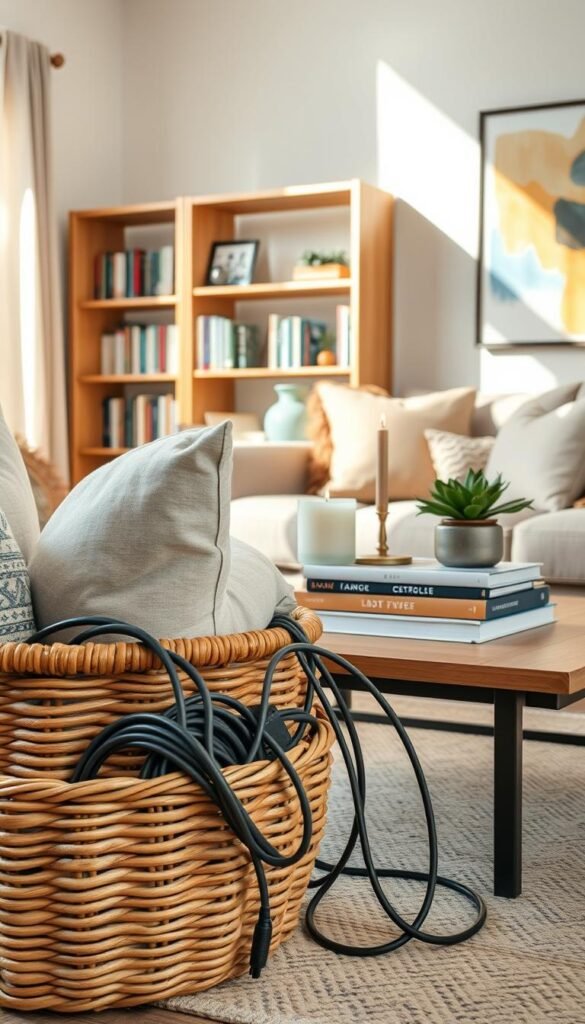
When this works: renters who can’t alter walls, quick staging before guests, and small rooms with awkward outlet placement. Use decor as a targeted fix for specific problems, not a substitute for proper bundling.
Plants, frames, and tabletop items that block view without blocking access
Place a tall planter in front of a loose plug cluster. Lean a large frame on a console to obscure a power strip. Use stacked books or a tray to hide a short cord drop behind tabletop objects.
Keep access open: leave enough space for unplugging, router resets, and ventilation. Felt pads or small weights stop items from shifting and suddenly revealing wires.
Gallery-wall approach that pulls attention away from TV cords
Pair a slim cord cover with surrounding art so the eye lands on the arrangement rather than the drop. This works best when cords are already bundled into a single route.
- Pros: minimal tools, flexible styling.
- Cons: won’t shorten cable length and can look busy if overdone.
For renter-safe styling tips and quick tricks, see this short guide on ways hide cords with decor.
Buying guide: what to look for in cord covers, clips, sleeves, and boxes
Simple selection rules save time: count cords, measure runs, and plan ventilation for power hubs.

Size and capacity
Count how many cords will share one path and note the thickest plug or adapter. Buy a cover or sleeve with at least 20–30% extra room for future additions.
Measure vertical drops (TV) and horizontal runs (baseboards). Add slack for device movement so the system isn’t stretched tight.
Adhesive strength vs. removability
Renters should favor removable adhesive and paint-safe tapes. These peel cleanly and protect paint.
Homeowners may pick screw-mounted channels for permanence. Screws add holding power but mean patching later.
Paintability and color match
Paintable cord covers blend best when matched to trim or wall color. Match warm whites and bright whites—small differences show.
Safety, heat, and outlet access
Pick a box with vents and clear cord exits for a power strip. Never overcrowd a box with bulky adapters.
Avoid pinching cords under heavy furniture legs and keep outlets accessible for resets and GFCI checks.
| What to buy | Quick check | When to pick it |
|---|---|---|
| Cord cover / raceway | Width ≥ bundle diameter + 25% | Wall drops and TV runs |
| Clips & hooks | Adhesive rated for paint; spaced 12–18″ apart | Flat baseboard runs and behind furniture |
| Cable sleeve | Measure bundle circumference | Desk bundles and monitor drops |
| Decorative box | Vents + cord exits; internal space for adapters | Charging clusters and power strip storage |
Quick buy guide: choose a cover for visible wall runs, clips for light baseboard lines, a sleeve for desk bundles, and a box for charging clusters. For desk-specific kits, see a roundup of desk cable management kits. For matching wall finishes and styling ideas, review wall styling options.
Pros and cons by solution type to support quick comparisons
Quick side-by-side comparisons help pick the right cord solution for each room and lease condition.
Cord cover/raceway vs. baseboard routing
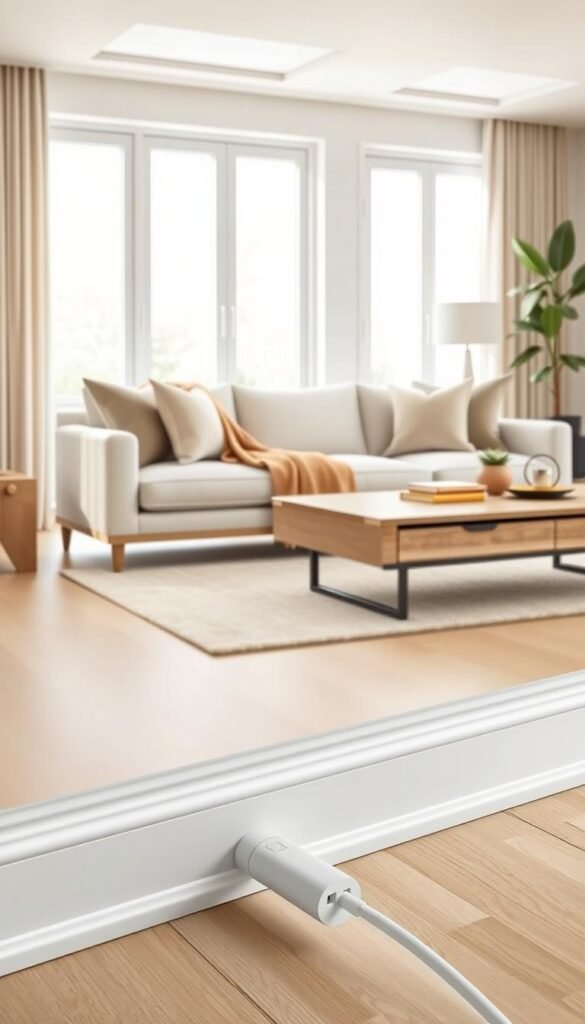
Cord cover is ideal for vertical TV drops and visible wall runs. It installs without in-wall work and can be painted to match walls.
Baseboard routing works along room perimeters and is less visible from eye level. Use painted channels or low-profile clips for a flatter look.
Cable sleeve bundling vs. clips and hooks
Sleeves turn many lines into one tidy bundle. They suit desks with several devices.
Clips and hooks excel behind furniture and for frequent layout changes. They let users use cable paths without re-wrapping bundles.
Decorative box concealment vs. furniture-based hiding
A ventilated box secures power strips and routers and protects kids and pets. Watch for heat buildup with crowded adapters and plan cord exits.
Furniture hiding gives airflow and quick access when there is open back space.
Battery-powered swaps vs. managing existing power cords
Battery or rechargeable options cut visible cords but add charging routines. For high-draw devices, managing existing power lines remains necessary.
| Choice | Best-for | Downside |
|---|---|---|
| cord cover | Visible wall drops | Can look plastic if not painted |
| baseboard | Perimeter lamp runs | May need clips on uneven trim |
| cable sleeve | Desk bundles | Can trap dust, tight for bricks |
| clips / hooks | Flexible layouts | Adhesives may pull paint |
| box | Charging stations, families | Watch ventilation and crowding |
Quick guidance: renters favor removable clips, sleeves, and boxes with slots. Homeowners who want permanent lines should choose mounted raceways or in-wall kits. Note common pitfalls: overstuffed channels, adhesive damage, and under-rug runs in heavy walkways.
Conclusion
Finish by treating cord runs as short design projects: spot the worst cluster, plan a route, and act. Start with the single place that draws the eye—TV wall, desk, or power strip area—and that small win cuts most visual clutter.
Simple next steps: measure the run, choose renter-friendly or permanent methods, then buy the right cover, sleeve, or box sized for capacity and finish. For extra ideas and step-by-step tricks, see a practical list of ways at 15 clever tips.
Safety and upkeep: keep cords flat and secured, avoid heavy walkways, and allow ventilation for power strips. Leave service loops and use reusable straps so the setup stays tidy as devices change.
Realistic expectations matter: the right approach balances function and style for each home and lease. Small, consistent steps yield lasting results — practical, not precious.
For minimalist styling that supports neat runs, see curated bedroom ideas at minimalist bedroom styling.